Digital NAE Kit
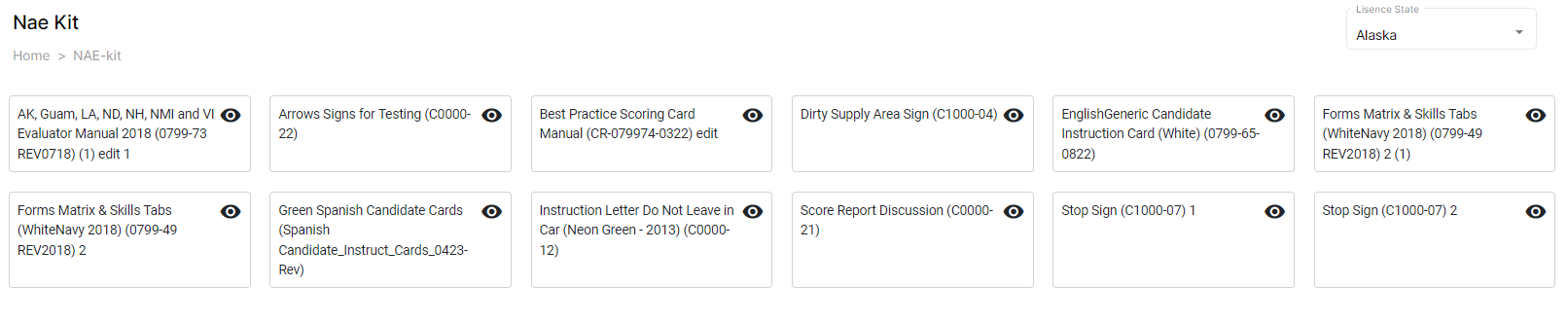
The Digital NAE KIT windows display the essential documentation needed for the evaluation. These documents include the instruction manual, score report, candidate cards, and sign placards.
To view and download the NAE Kit, follow these steps:
- Click
Side Navigation Menu and select the Digital NAE Kit from the dropdown. The Digital NAE Kit page is displayed.
- In the right corner of the window, view the License State information.
Note: If you have the license for multiple states, select the required state in the License State field to view the Digital KIT related to the selected state.
- Click the
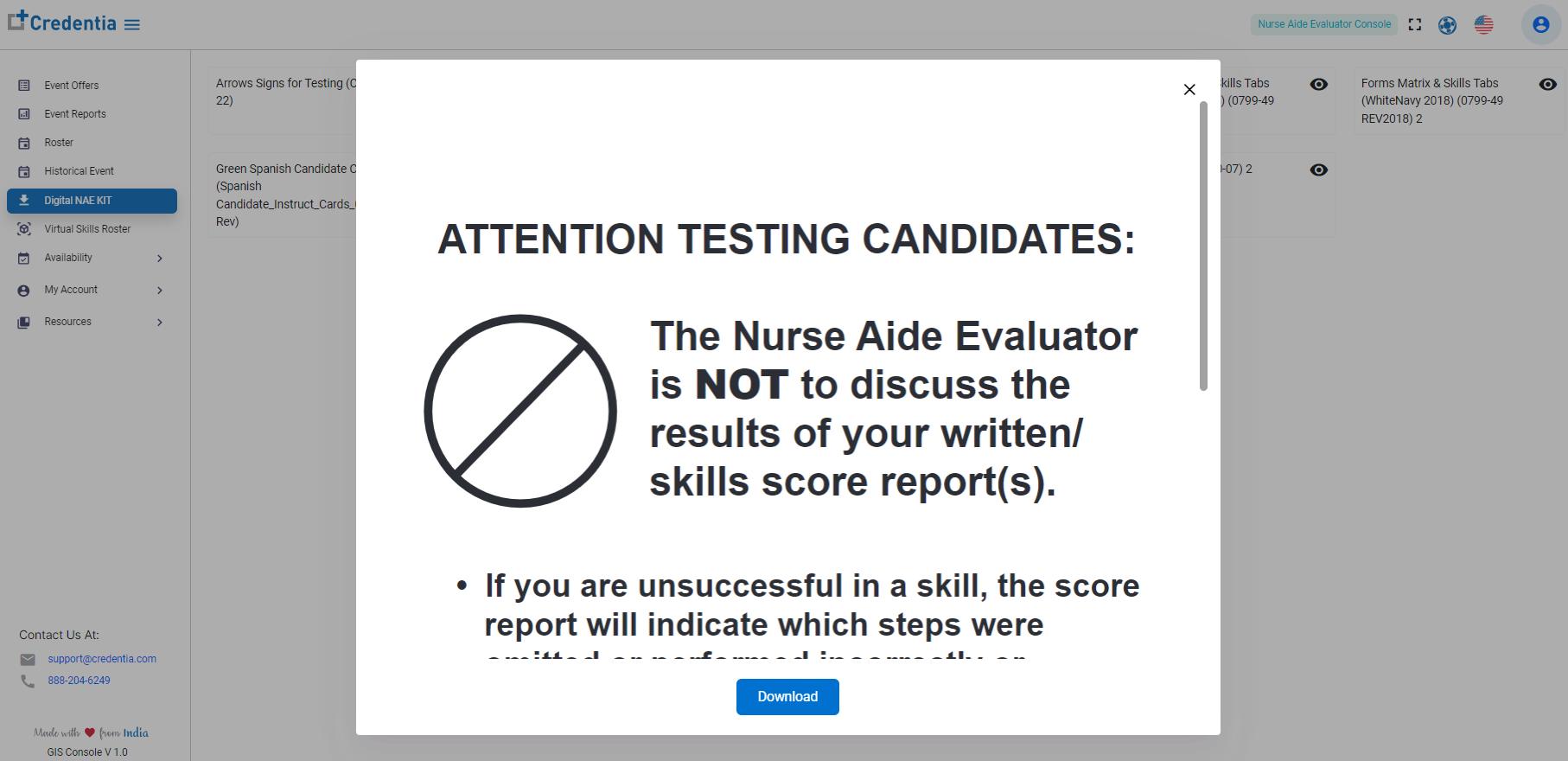
View icon on the required document to open and view the document.
- Click Download to download the document to your device.