First Time Login
Once your NAE application is approved, you will receive an email notification from the Credentia team, along with a link to the Credentia Platform Login and One-Time Password.
To log in to the GIS NAE console, follow these steps:
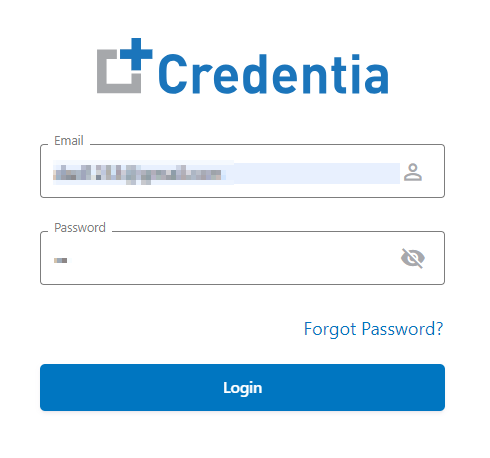
- Click the Credentia Platform Login link provided in your email, and a new login window will open.
- In the Password field, enter the one-time password that you received in your registered email.
- Click Login.
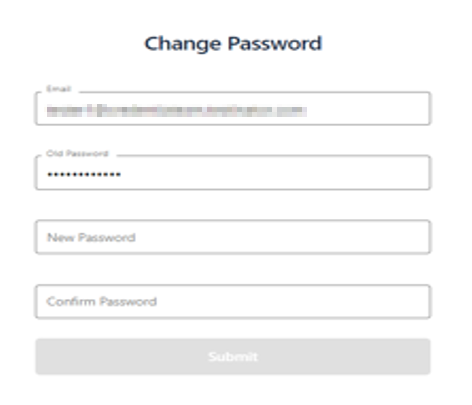
Note: The one-time password (OTP) is valid for a single login only. You will be required to set a new password to complete the login process. - Enter the New Password and Confirm Password to set up your new password.
- Click Submit to save and update the new Password. You will see a confirmation on the screen that says, “Password Change Successfully”.