Digital NAE Kit
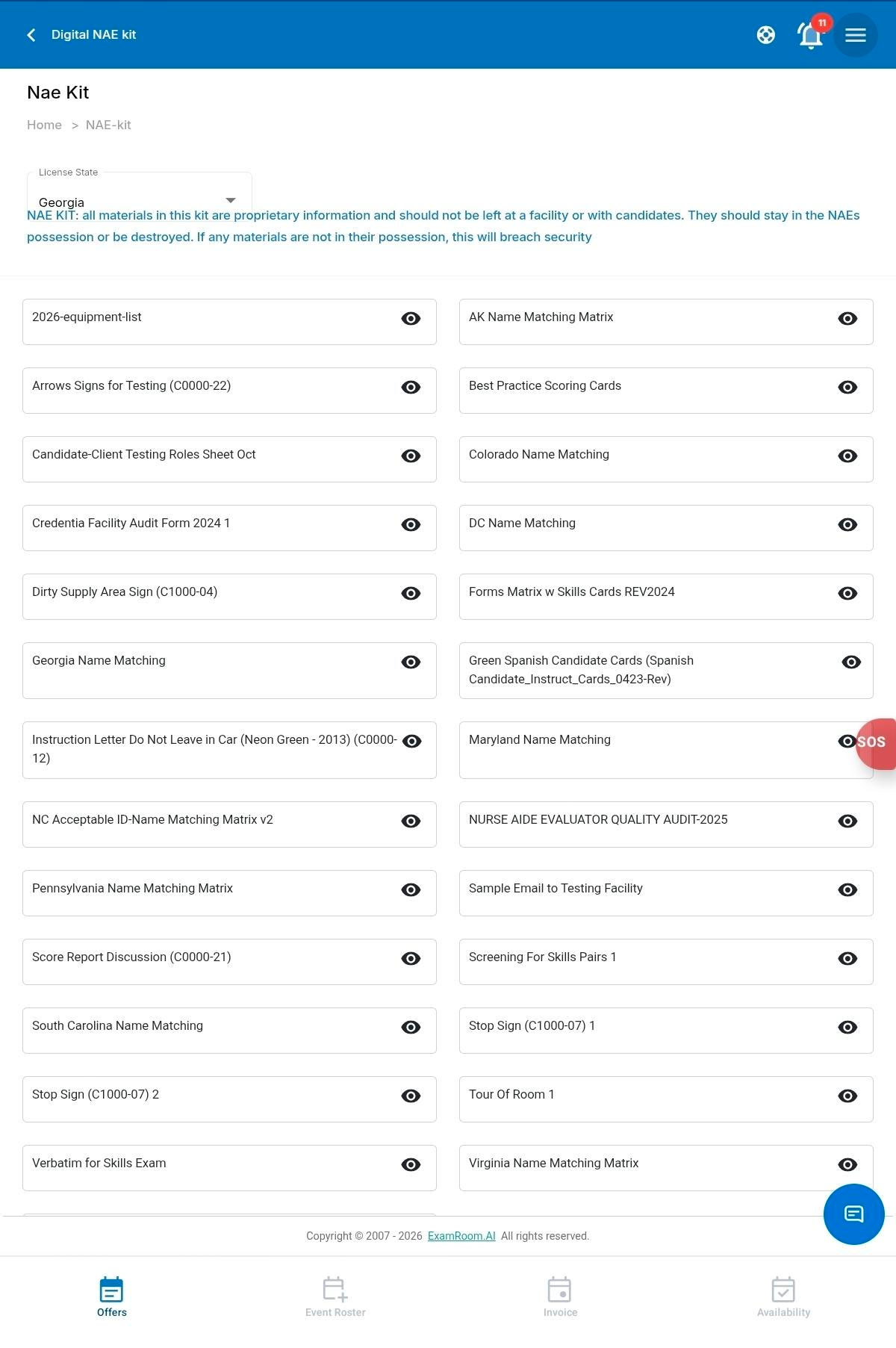
The Digital NAE KIT section displays the essential documentation needed for the evaluation. These documents include the instruction manual, score report, candidate cards, and sign placards.
To view the Digital NAE Kit, follow these steps:
- Tap the Menu icon in the top-right corner of the screen.
- From the navigation menu, tap Digital NAE Kit.
- The Digital NAE Kit page opens, displaying the available kit documents.
- At the top of the page, view the License State field.
- If you have licenses for multiple states, tap the License State dropdown and select the required state.
- The system displays the Digital NAE Kit documents associated with the selected state.
- The system displays the Digital NAE Kit documents associated with the selected state. Scroll through the list of available documents to locate the required file.
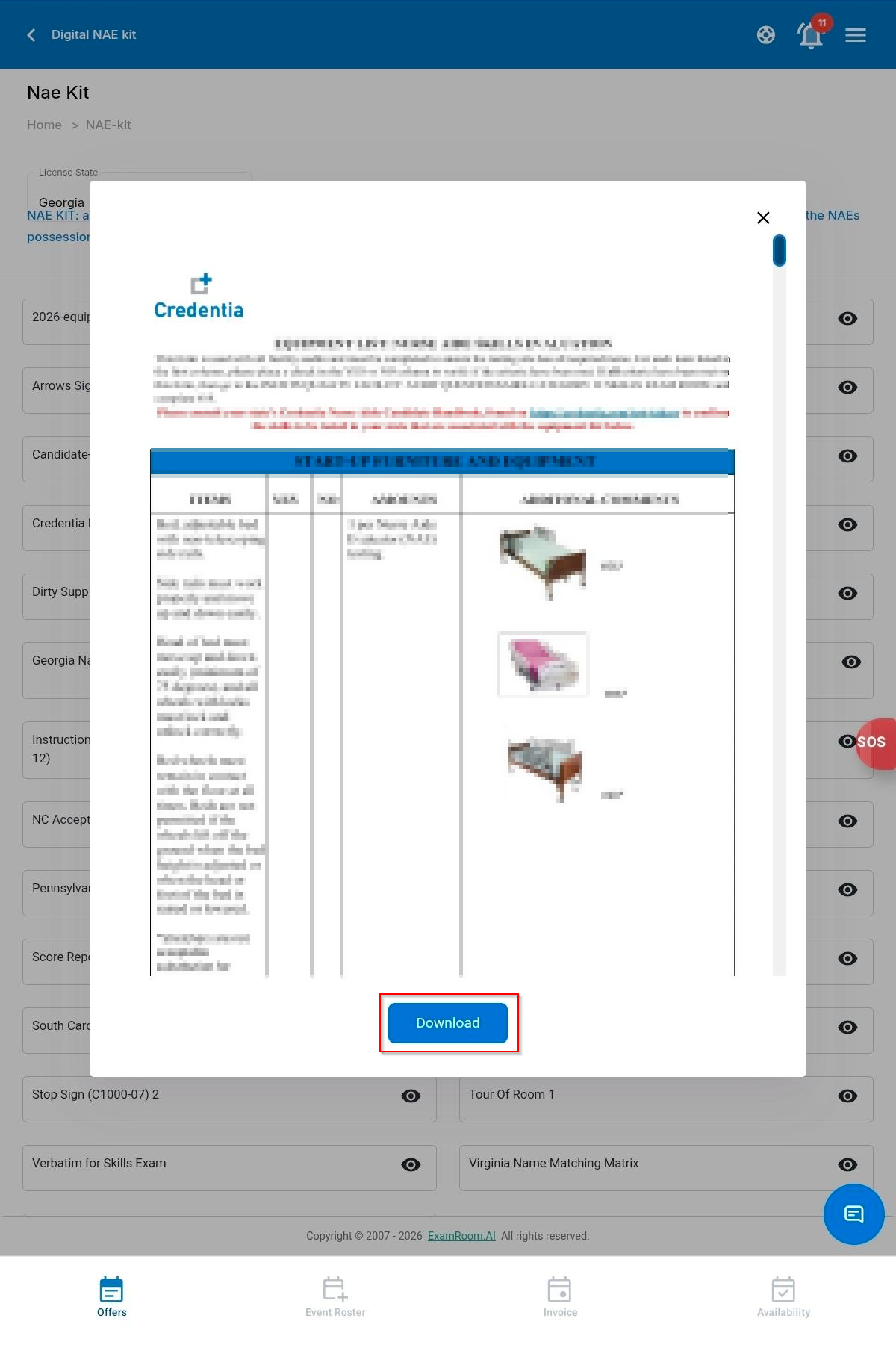
- To save the document to your device, tap Download.
- To save the document to your device, tap Download.